Providing access credentials to your website, like FTP/SFTP and SSH, allows VaultPress to connect to your site easily and back it up quickly and efficiently. It also allows VaultPress to quickly and automatically restore your site in an emergency.
In the VaultPress dashboard, you’ve always been able to make it easier for VaultPress to connect to your site. You can provide us with these credentials on your current sites by logging into the VaultPress Dashboard and clicking “Settings” on the site you’d like to provide them for.
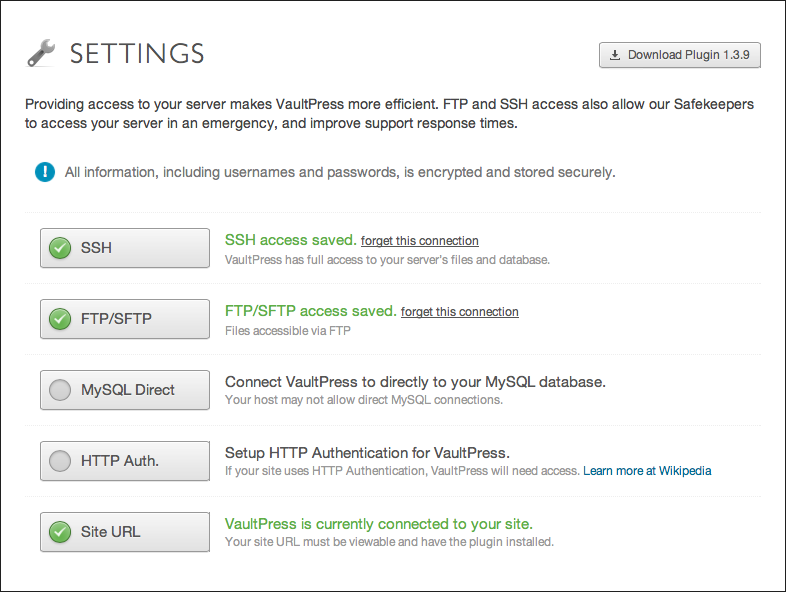
We’ve recently made this much easier to do when you sign up or add a new site by asking for the credentials before you install the plugin. Providing us with the credentials right away enables VaultPress to immediately run as efficiently as it can and start protecting your site right away.
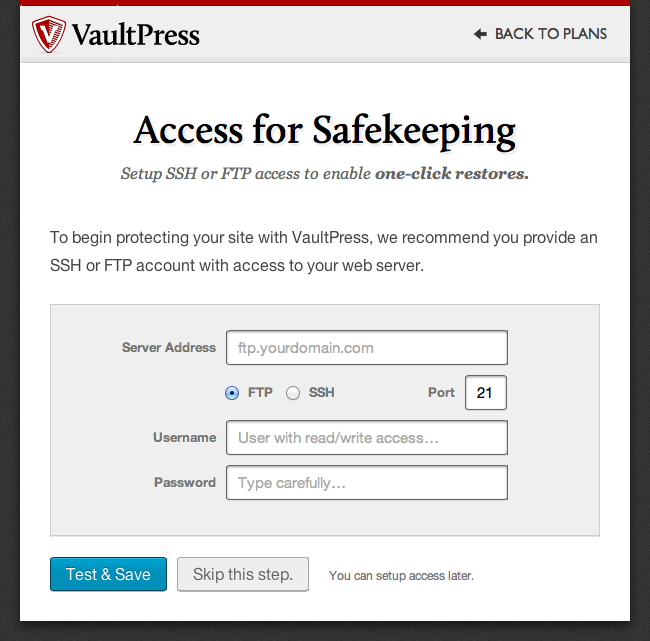
This is just one step towards making it easier to get up and running quickly with VaultPress. Learn more about how VaultPress can protect your content, theme, plugin, and site settings and customizations. Contact us with questions, or sign up to protect your site.

 VaultPress Blog